Setup Guide













📺 How to Use Your IPTV Subscription
We recommend using the IBO player app — it’s optimized for powerful IPTV streaming and works perfectly with your subscription.
Don’t have IBO player or don’t want to pay for it ? No Problem!
We’re giving you lifetime access to our premium app, completely free (Our service is compatible with all apps, so feel free to use any other IPTV player you like or already have).
🔧 Step-by-Step Installation Guide
1. Install the Downloader App(if already have it, you can skip this part)
Open the Google Play Store
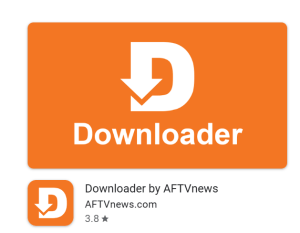
Search for “Downloader”
Install the app (it looks like this):
2. Download our premium player
Open the Downloader app
Enter this code:
6857024in the search barClick Search
The APP will begin downloading automatically
Once done, install it on your device and open it
Note: Sometimes a popup asking to allow access to media and files will pop, feel free to to accept or deny it.
📂 Set Up Your Playlist
1.Open the app(should look like this)

2.Click on Add Playlist, a login page will be shown, enter your subscription username and password and click SIGN IN (No need to enter any HOST URL in this app and no need to check the Activation code checkbox).

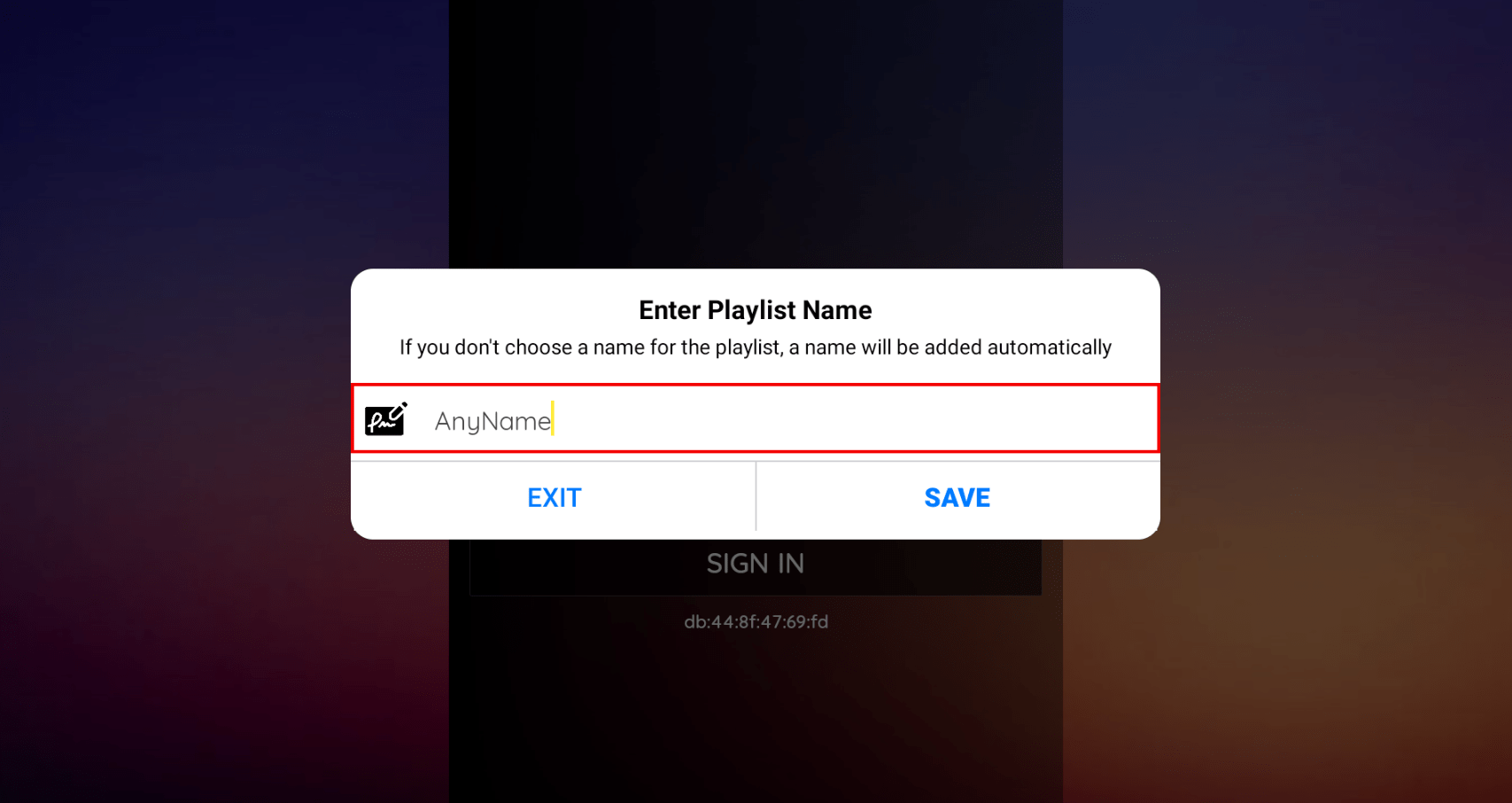
3. You can enter any name for your playlist and click SAVE
4.Wait few moments for the playlist to load, then you can choose what to whatch (Live tv, Movies etc..)

✅ That’s it — you’re ready to enjoy premium IPTV streaming!
If you need help, don’t hesitate to reach out.
Happy watching! 🎬📡